A travel router and a mobile hotspot can both create a Wi-Fi network, but they may solve entirely different problems. One can organize an existing connection; the other can obtain a cellular connection of its own.
Buying the wrong category produces a particularly frustrating result: more equipment in the bag, with the same underlying internet problem. Start by identifying where the internet will come from, then decide whether you need to redistribute it, replace it or do both.
The three arrangements to compare
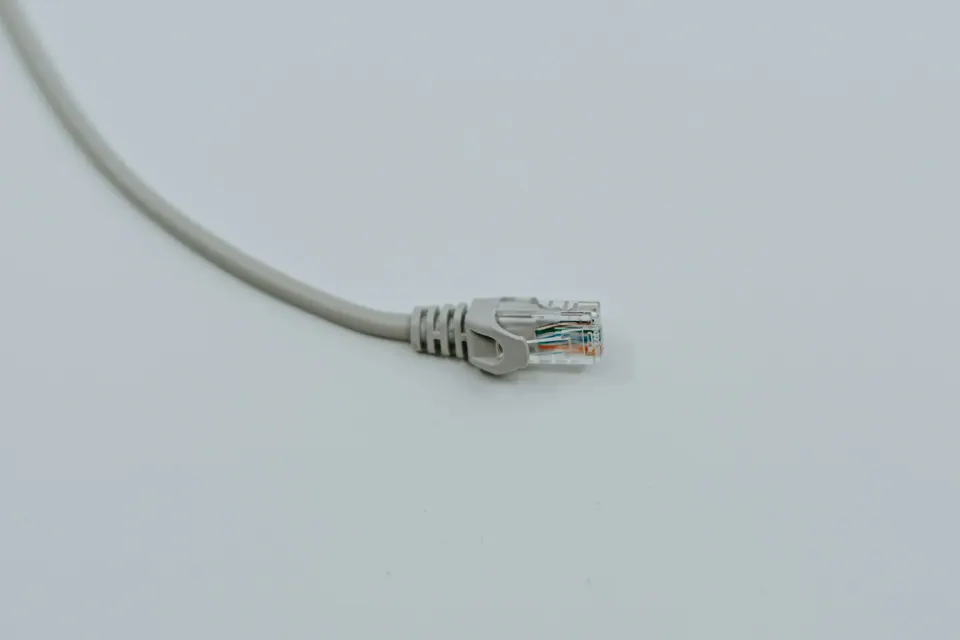
A phone hotspot uses the phone's mobile connection to serve another device. A dedicated cellular hotspot contains its own modem and uses a compatible mobile service. A travel router can take an upstream connection—such as Ethernet, venue Wi-Fi or tethering—and provide a local network for your devices.
Some products combine functions, so read the model's documentation rather than judging from its name. “Mobile router” can be used for hardware with a cellular modem; “travel router” does not guarantee one.
| Your problem | First arrangement to examine |
|---|---|
| One laptop occasionally needs backup data | Existing phone hotspot, if permitted and suitable |
| Several devices need a consistent local network | Travel router with a suitable upstream connection |
| You need cellular access independent of the phone | Dedicated cellular hotspot with a compatible plan |
| You need both centralized routing and independent cellular access | A supported combined device or tested two-device arrangement |
This is a category comparison before it is a shopping shortlist.
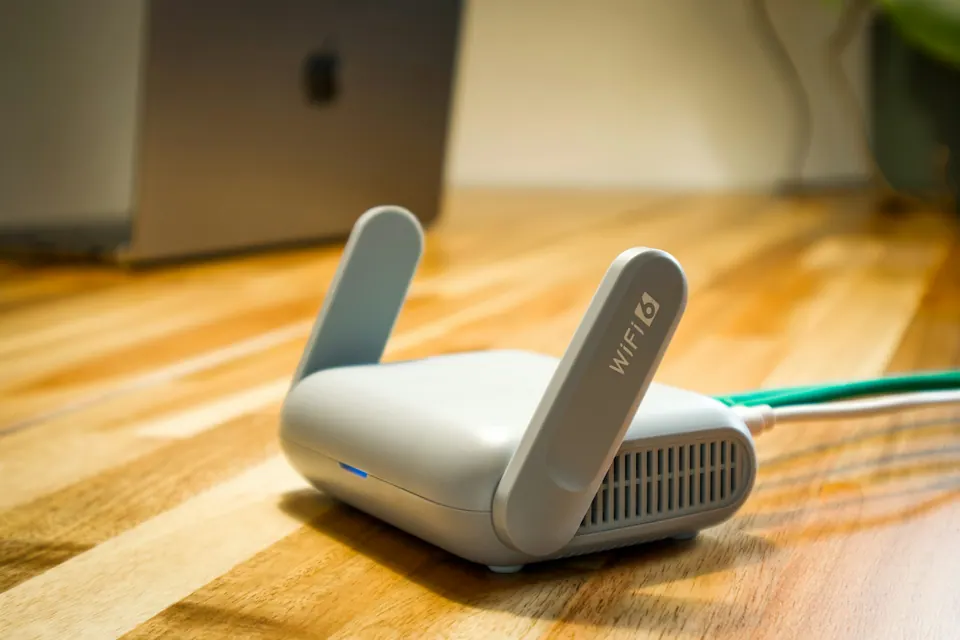
Beryl AX: an example of connection redistribution
GL.iNet's Beryl AX, model GL-MT3000, documents Ethernet, Wi-Fi repeater, USB tethering and connection through a separate cellular USB modem, together with VPN configuration. Those features make it a candidate for assembling a personal network around an available upstream service. The cellular option still requires its own modem and compatible mobile service; the router does not supply built-in cellular coverage. Beryl AX manual
The practical benefit can be consistency. Your personal devices join your own configured network while the router's upstream changes between locations. That may reduce repeated setup across several devices.
The cost is another layer. If the venue connection fails, the router may still broadcast Wi-Fi perfectly. Your devices can show a strong local signal while having no useful internet access. Troubleshooting must distinguish the local network from the upstream service.
For someone carrying a single laptop, that added layer may be unnecessary. For several devices and a repeated need for Ethernet or supported VPN routing, it may be worthwhile.
Nighthawk M6: the regional model matters
NETGEAR's M6 family illustrates why “unlocked” is not the same as “universally compatible.” Its specification document distinguishes the North American MR6150-100NAS from the European/Middle Eastern MR6150-100EUS, with different regional and radio details. NETGEAR's model specifications
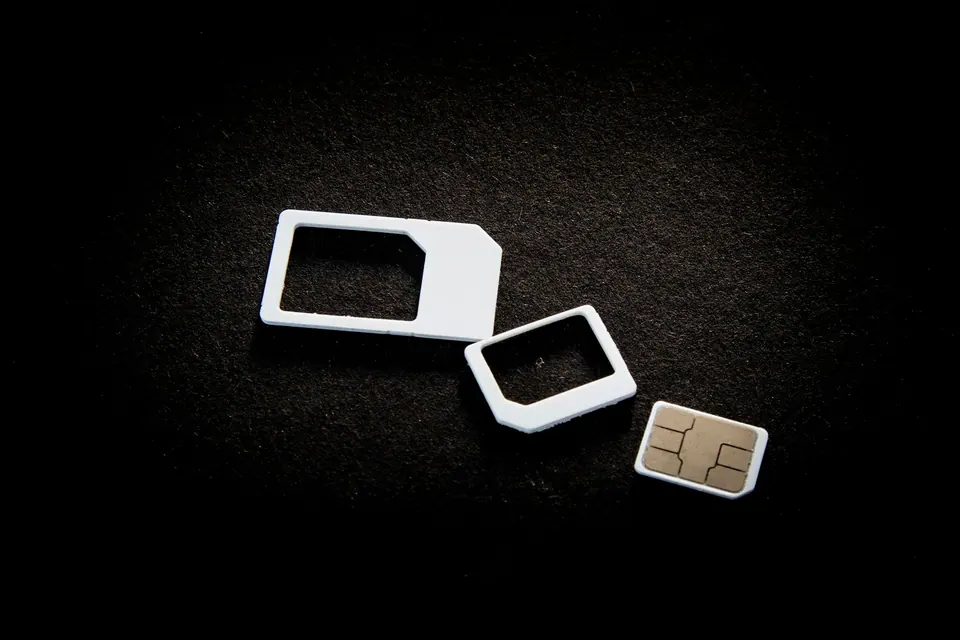
Before buying, match the complete model suffix to the destinations and operators you intend to use. Check supported bands, carrier acceptance, SIM format and the plan's permission for hotspot hardware. Do not buy from a listing that obscures the regional variant and assume the family name settles compatibility.
NETGEAR also notes that some unlocked setups require manual APN configuration and that particular plans can have device restrictions. A technically unlocked modem can therefore still fail to work with an unsuitable subscription. NETGEAR setup guidance
The M6 is a candidate for someone who needs a cellular modem separate from the phone. It is not endorsed here as the fastest or best-value international hotspot; that would require matched regional pricing and field tests.
NETGEAR's table marks international roaming “N/A” for the MR6150-100NAS, while the MR6150-100EUS lists roaming regions subject to a country-list qualification. A discounted North American model should not be treated as a global travel purchase solely because it is unlocked. Match the suffix and documented countries before comparing price. Regional M6 specifications
The setup guide calls for a SIM card and a compatible active data plan. A travel eSIM already installed on your phone is not proof that it can be installed in the M6. Confirm the hardware's supported SIM format and a modem-appropriate subscription; otherwise you may still depend on tethering the phone you meant to replace. SIM and plan requirements
Read speeds as separate specifications
A router can advertise a high local Wi-Fi rate while receiving a much slower internet connection. A VPN throughput figure describes another operation again. None of these numbers automatically equals the upload speed available to your meeting.
Think through the route: laptop to router, router to upstream connection, upstream to the destination service. The slowest or least stable part can dominate the experience. Adding a faster local network cannot manufacture capacity at a congested cellular tower or guest-network gateway.
Manufacturer figures are useful for understanding design limits, but they are not our measurements. Compare like-for-like test conditions before using them to select between models. If the intended workload is a few ordinary devices, dependable setup and support may matter more than a theoretical ceiling far beyond the upstream service.
Captive portals deserve their own test
Venue Wi-Fi may require a login or terms page. A router's repeater capability does not prove it will handle every portal or that the venue permits connection sharing.
Check the manufacturer's documented procedure and the venue's rules. Avoid copying identifiers or changing settings to evade device limits. If the approved process does not work, use the direct connection or another authorized route.
For a work trip, rehearse with your own equipment before departure. Learn which screen shows upstream status and how to return to a known configuration. A router that only one technically confident companion can operate is a fragile shared resource when that person is unavailable.
Power is part of the system
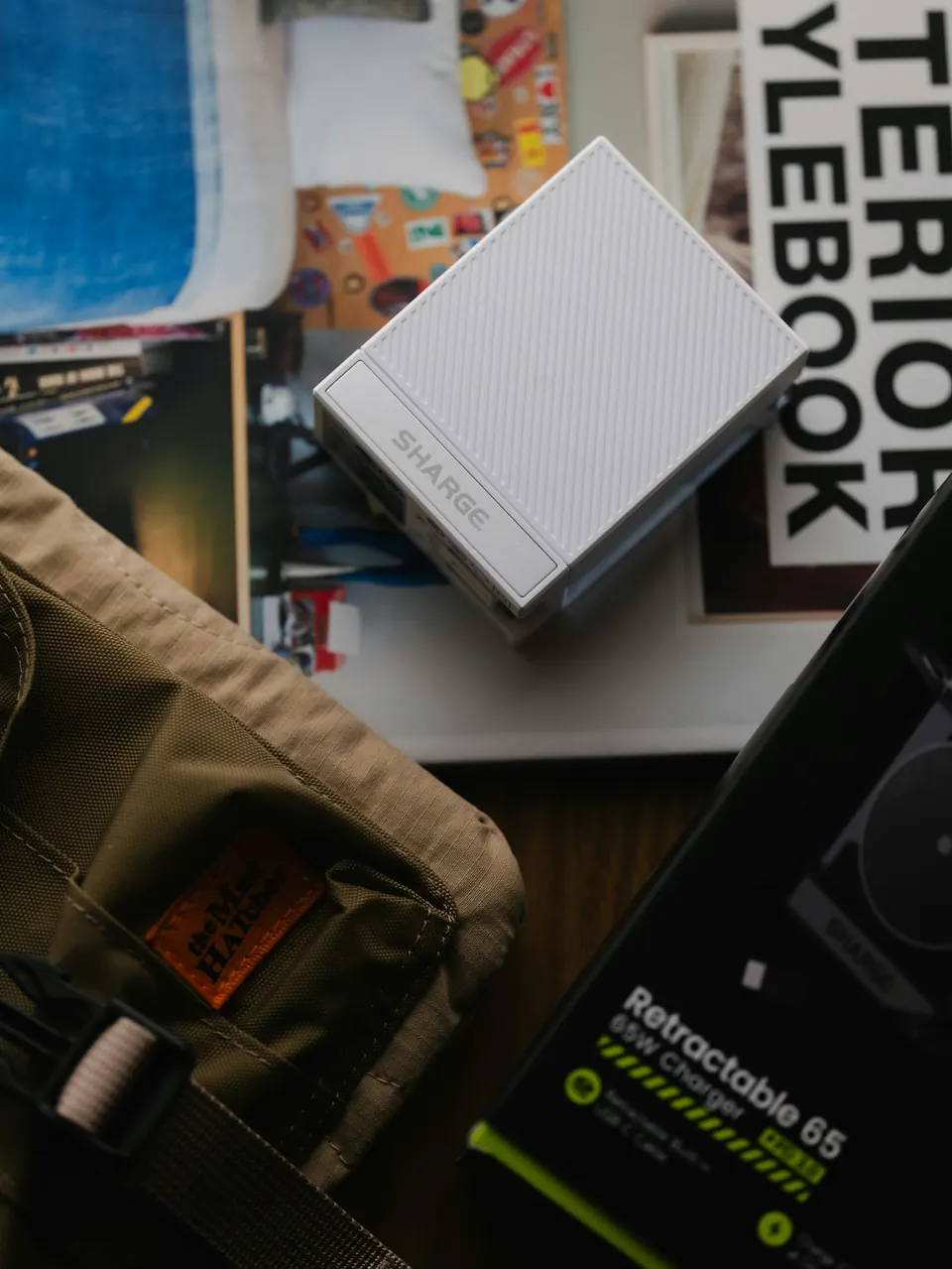
A dedicated hotspot can reduce the phone's workload, but it introduces its own battery and charging requirements. A travel router may need continuous external power. Inspect the exact input requirement and the capabilities of the charger, cable and power bank you intend to use.
Do not assume a familiar connector guarantees adequate power. Also consider simultaneous charging: if one charger is shared by laptop, phone and router, can it support the combination? Read the equipment's specifications rather than improvising with underpowered or damaged accessories.
Keep the backup route practical during the failure you care about. A router and modem that both stop when the room's power disappears are not a complete answer to a power outage. Battery operation can help, but advertised runtime is not a guarantee under your workload.
Maintenance changes the buying decision
Networking hardware is software-bearing equipment. Before purchase, inspect the official support page, firmware availability and update procedure for the exact model. Do not assume a familiar brand name guarantees indefinite support for every older product.
Set a strong administrative password, update through official channels and keep a protected record of the configuration. Avoid exposing the management interface beyond what is necessary.
A cheap second-hand device can become poor value if its provenance, update state or regional compatibility is unclear. Conversely, an existing supported phone may be the most sensible option when the need is occasional and simple.
Choose the smallest arrangement that solves the problem
Start with the phone you already own if you need occasional backup for one laptop. Consider Beryl AX-style travel routing when you have a recurring need to organize several devices around changing upstream connections. Consider a region-appropriate M6-style cellular hotspot when independence from the phone is the actual requirement.
Only combine hardware when the extra capabilities justify the extra dependencies. Record the plan, network, power source and fallback for each part. Our backup internet guide shows how to check that the resulting arrangement survives a meaningful failure.
The best purchase is not the most capable box. It is the device that removes the limitation you can name, without creating more maintenance than the trip warrants.
Before packing another device, draw the multi-device setup it will serve. If the aim is to place several devices behind one VPN arrangement, check the multi-device VPN guide and the exact router support rather than assuming every connected device inherits the same protection.
Method: manufacturer documentation checked on 11 October 2026. No devices purchased or benchmarked; no current street-price winner or battery-life guarantee. Exact regional SKU, support status and plan compatibility require confirmation before buying.