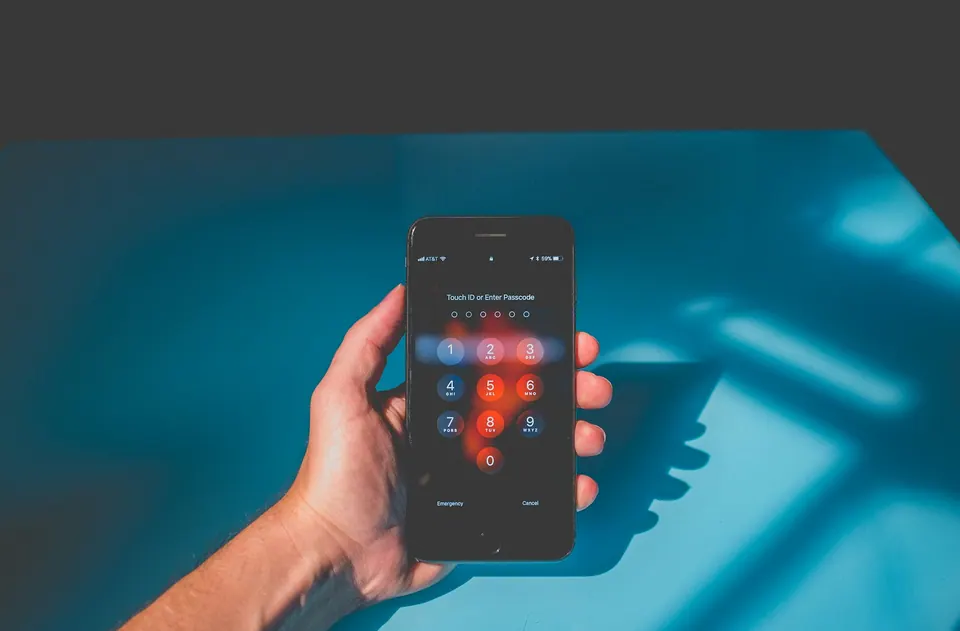
A missing phone is usually several losses at once: a device, a connection, a set of signed-in accounts and a way to prove who you are. Replacing the hardware addresses only the first.
The preparation that matters is therefore broader than switching on a locator. You need a way to secure the device, contact the relevant providers and get enough access back to continue the trip. Work through those tasks while you still have the phone; afterward, the same tasks are harder and more urgent.
If your phone is missing now
- Get somewhere safe. If theft is suspected, involve local authorities; do not follow a locator to confront someone.
- On a trusted device, use Apple Find Devices or Google Find Hub. Try location or sound when appropriate, then mark the phone as lost if it is not promptly recoverable. Remote actions depend on the platform's prerequisites.
- Notify your employer immediately if it holds work access. Contact each mobile provider through a verified channel about suspending the missing line and replacing it.
- Review important account sessions and contact the relevant provider if credentials or payment access may be exposed. SIM suspension does not sign you out of apps.
- Read the consequences before erasing or removing the device. Android erasure ends Find Hub location access. Removing an iPhone from Find My removes Activation Lock; theft-and-loss claim requirements also matter.
Ignore messages asking for a passcode or verification code to return the phone. Once the immediate incident is contained, work through the account and connection recovery sections below.
Make the recovery route usable from another device
Check that the platform's device-finding feature is configured and that the correct phone appears in the account. Merely remembering the name of the service is not preparation. You should know the official address, how you will authenticate and which trusted device you can use.
Apple says Find My must have been enabled before the loss to locate, mark as lost or remotely erase the device through that service. Its web Find Devices route can be used without the verification code normally sent to a trusted device. That detail is particularly useful when the missing phone is your usual verification device. Apple's lost-device instructions
For Android, use Google's current Find Hub guidance and check the prerequisites for your device and account. Do not assume every location or remote action will work when a phone is offline or unpowered. Google's lost Android device guidance
Bookmark the official route on your own second device. Avoid relying on a web search made in a panic, when a convincing advertisement or imitation support page is easier to mistake for the real service.
Prepare for loss of the bag, not only the phone
A laptop can provide an alternate access route, but not if it disappears in the same bag. Think about the failures separately: a broken phone, an empty battery, a misplaced handset and a stolen collection of devices.
You do not need to carry two of everything. You do need to know which response still works when the primary items are unavailable. A securely stored recovery record at home, accessible through an agreed trusted process, can play a different role from a second device carried beside the first.
Keep an offline record of official support contacts and relevant device identifiers in protected storage. Avoid placing every password, recovery code and identifying document into one unencrypted “travel emergency” file. Convenience is useful; concentrating all access into a single exposed document is not.
If the phone goes missing, protect yourself first
Do not pursue a suspected thief or visit an unfamiliar address solely because a locator points there. Get to a safe place and use the appropriate local authorities if theft is suspected. A map is a clue for recovery, not permission to confront someone.
From a trusted device, use the official lost-device service. If you think the phone is simply nearby and it is safe to check, the available sound or location features may help. If it is not promptly recoverable, use the platform's protective lost-device action and follow its current instructions.
Apple's Lost Mode locks the device and suspends Apple Pay cards and passes. Apple also warns against sharing credentials in response to messages claiming the phone has been found. A loss can create a second opportunity for fraud, because you are actively hoping for that message. Apple's protection and scam warnings
Treat locking, erasing and removing as different actions
A remote lock is not a remote erase. An erase is not removal of a device from an account. The consequences matter, especially when the phone might still be recoverable or is part of an insurance claim.
Google says erasing an Android device permanently deletes its data, may not delete SD-card contents, and removes subsequent location availability in Find Hub. Read those consequences before choosing the action. Google's erase guidance
For Apple devices, do not casually remove a stolen device from Find My: Apple explains that this removes Activation Lock. Follow its instructions and any theft-and-loss claim requirements. An attempt to “clean up” your device list can have the opposite effect from securing it. Apple's removal warning
On a company-managed phone, contact the employer's incident team promptly. They may need to handle containment, remote actions and reporting. Avoid making irreversible decisions that conflict with the organization's procedure.
Contact the carrier as a separate task
Securing the device does not establish what has happened to its telephone service. Contact the home carrier through a verified channel to report the loss and discuss suspension and replacement. If there is a second local or travel line, contact that provider too.
Ask what suspension changes: calls and messages, account billing, number retention and replacement eligibility. A temporary service block is not necessarily cancellation of the contract. Keep confirmation and reference numbers.
Tell the provider that you are abroad and no longer have the device that may receive verification messages. This is why the pre-trip conversation about replacement matters. Do not assume an eSIM can simply be scanned again on another phone; installation and reissue rules depend on the service.
Regain connectivity and identity in the right order
A replacement phone with internet access is useful, but the original home number and the original accounts may take longer to restore. Treat them as separate recovery tracks.
First establish a legitimate temporary connection on a compatible device. Then recover the accounts needed for communication and work through their official procedures. Use the protected alternate methods you prepared, not improvised password sharing over a public computer.
Prioritize accounts according to exposure and dependency. If the device was unlocked or its passcode may be known, say so to the relevant support or incident team. That information changes the risk assessment. Review sessions and credentials using each service's guidance; do not assume a SIM suspension signs the phone out of every application.
Our account recovery guide helps identify which accounts unlock the rest. It is easier to follow a short dependency order than to reset every password indiscriminately while uncertain which credentials you still need.

Restore files selectively
A full-device restore can be a large transfer. If you are working from a temporary data allowance, start with the communication and work tools you need immediately, then restore the rest on a suitable connection.
Check that important files really exist in the backup or approved cloud service. An icon in a folder does not prove that the file was fully uploaded before the loss. Equally, a file visible in a cloud application may not yet be available offline on the replacement device.
Do not restore company information to an unapproved device simply because it is the fastest hardware you can buy. Ask for an approved temporary workflow if necessary. Preserving access is important, but it should not create a separate data-handling incident.
Close the gaps after recovery
Once you are working again, update the recovery arrangement rather than returning automatically to the old one. Review or revoke application sessions using each service's instructions, replace exposed or invalidated recovery material and verify the new phone's device-finding settings. This account cleanup is separate from removing an iPhone from Find My, which can weaken its theft protection.
Check which services still refer to the old handset and which expect the restored number. Keep records needed for provider or insurance processes, and do not assume a recovered device is ready for sensitive work without appropriate checks.
A successful recovery is not necessarily “everything back within an hour.” It is being able to secure what is at risk, reach the people you need and rebuild access in a controlled order. That is a realistic goal to prepare for before departure.
After the immediate incident is contained, revisit your account-recovery arrangements so the replacement phone does not recreate the same single point of failure. The backup-internet guide can help separate restoring connectivity from restoring access to the accounts that matter.
Research note: Apple and Google instructions checked on 11 October 2026. This guide distinguishes preparation from incident response and does not guarantee recovery, location accuracy or replacement eligibility.